
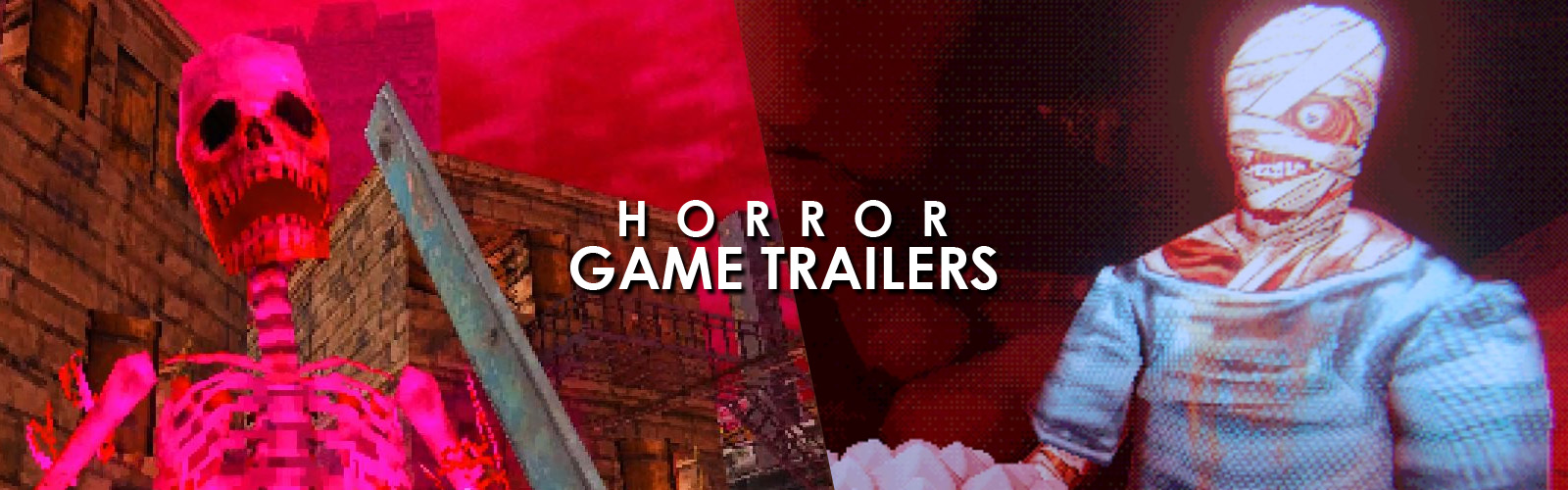
Horror is one of the most consistently popular genres on Steam, but it is also one of the most saturated. Every day, dozens of new atmospheric thrillers, PSX-style retro horror games, and co-op extraction nightmares hit the store. If your Steam trailer doesn’t instantly communicate tension, gameplay, and atmosphere, developers lose wishlists before the player even scrolls down to the description.
Editing a horror game trailer requires a completely different rhythm than an action game or an RPG. It relies on withholding information, manipulating audio, and understanding exactly how the Steam storefront algorithm displays your video to passing traffic.
Here is the definitive guide to cutting a horror game trailer optimized for the Steam marketplace.
1. Your Footage Is Too Dark
The single most common mistake indie developers make with horror trailers is leaving the brightness tied to the in-game experience. While creeping through pitch-black environments is highly immersive when someone is actually playing the game, it is a massive conversion killer in a promotional video.
When absolute darkness is compressed by Steam’s video player or viewed on a small mobile screen, it devolves into a muddy, unreadable black square. Viewers will scroll past immediately if they cannot see the action. Instead of relying on pure darkness to create fear, use high-contrast lighting—such as a harsh flashlight beam against a concrete wall, a muzzle flash, or glowing emergency lights. This maintains the terrifying atmosphere while ensuring the gameplay remains clearly visible.
2. The 5-Second Hook
When a user hovers over your capsule image on Steam, the platform auto-plays the first video on your store page without sound. If your trailer opens with a 10-second slow fade-in of your studio logo, followed by a black screen with text, the user will scroll past.
You have five seconds to establish the genre and the stakes.
- Drop them in the action: Show the flashlight beam sweeping across a blood-stained hallway, the static of a security camera, or the heavy breathing of a character hiding in a locker.
- Kill the studio logos: Put your branding at the very end of the trailer. The player is on your store page; they already know who made it.
- Show the perspective instantly: In those first few seconds, the viewer needs to know if this is a first-person psychological thriller, a top-down survival game, or a retro low-poly stalker experience.
3. Gameplay Over Lore
Steam’s internal data and guidelines constantly reiterate one golden rule: show gameplay immediately.
Horror developers often fall in love with their own lore, resulting in trailers filled with cryptic voiceovers, slow pans over abandoned environments, and zero actual gameplay UI. Players need to know the core loop. Are they managing inventory? Are they managing stamina while running away? Are they coordinating with friends over proximity voice chat?
Show the player interacting with the world. A quick shot of the player fumbling with a limited-inventory screen while a monster approaches is infinitely more terrifying than a disconnected cinematic.
4. Audio Drives the Edit (The Invisible Scare)
In horror, what you hear is worse than what you see. The biggest mistake developers make when cutting their own trailers is slapping a generic, public-domain “creepy music” track over their footage and calling it a day.
For a truly effective horror trailer, you must meticulously build a custom soundscape:
The Power of Silence
Cut the background music completely. Let raw foley work (footsteps, clicks) build the dread.
Risers and Drops
Build anticipation, drop the audio to dead silence, then hit the jump scare.
Sync to the Action
Punctuate rapid cuts with heavy, visceral, distorted sound effects.
5. Master the “Microtrailer” Hover Loop
Steam automatically generates a 6-second looping “microtrailer” on your store page by pulling six 1-second clips from various points in your main trailer. This is often the first moving footage a potential buyer sees.
If your trailer is full of long, slow-burn shots of empty rooms, your microtrailer will just look like a screensaver. To optimize for this:
- Ensure that every 15-second block of your trailer contains at least one moment of high visual interest (a chase, a frantic UI interaction, a glimpse of the threat).
- Test your video by randomly scrubbing through the timeline. If you land on a random second, does it look like a horror game?
Steam Microtrailer Extraction
Steam automatically pulls six 1-second slices from your trailer. If a slice lands in a slow fade or empty room, you lose the wishlist.
6. Don’t Hide the Monster
There is a classic cinematic rule in horror: “hide the monster.” While that is fantastic advice for building tension while someone is actually playing your game, a Steam trailer is a sales pitch. If you spent months designing a terrifying, iconic stalker, that creature is your core product. You have to put the product on the box.
If the antagonist or a specific set-piece is the best part of your game, it needs to be in the trailer to drive wishlist conversions. The trick is to show your best assets while obscuring the exact details so you don’t spoil the story or ruin the actual in-game scare.
Give the viewer a chaotic, half-second flash of the killer lunging at the camera. Show the monster in motion, bathed in red emergency lighting, or heavily distorted by VHS static. Let the player see the threat to prove the game delivers on its terrifying promise, but don’t hold the shot long enough for them to analyze the character model’s texture resolution. Sell the adrenaline of the encounter without giving the player a good enough look to feel safe.
FAQ
The sweet spot for a Steam trailer is between 60 and 90 seconds. Horror relies on pacing, but if you stretch your trailer to two or three minutes, the viewer will lose interest before seeing your call to action. Get in, establish the atmosphere, show the core gameplay loop, deliver the scare, and cut to the title card.
Not necessarily, but you must avoid generic stock music. For horror games, environmental sound design (foley) is far more important than a melodic soundtrack. The heavy breathing, footsteps, and distorted ambient noise from your gameplay are often enough to build tension. If you use music, it should serve as a subtle drone or riser to manipulate the pacing.
Yes, but do not make it the very first thing the viewer sees, as that feels cheap and unearned. Use the first 30 seconds to build atmosphere and demonstrate gameplay mechanics, then use a controlled jump scare (or a sudden, violent audio cue) right before cutting to black and showing your studio logo and wishlist call-to-action.
Rates vary depending on the scope of the project, the amount of raw footage provided, and the required motion graphics. For indie developers, professional trailer editing typically ranges from $300 for a rapid Next Fest teaser to $1,000+ for a complex launch trailer requiring custom audio mixing and cinematic pacing.
If your trailer looks muddy or completely black on the Steam store page, it is because of video compression. Steam’s video player compresses file sizes, which flattens dark gradients into blocky, solid black squares. To fix this, increase the contrast of your footage and ensure your primary focal point (like a flashlight beam or a glowing enemy) is well-lit before exporting.
Don’t Lose Your Next Fest Momentum
You have 5 seconds to convince a player your horror game is worth their time. If your trailer doesn’t immediately establish tension, they will scroll past—and the Steam algorithm will bury your page.
Stop losing players to slow fade-ins and confusing gameplay. I edit Steam-optimized trailers for indie developers, focusing specifically on the hooks, pacing, and audio design that drive wishlists.

Teaser Trailer
Starting at $199
+$99 for footage capture
Length: 15–45 seconds
Content: Hook-driven editing to maximize Steam retention.
Revisions: 2 rounds
Turnaround: 3–5 days.
Core Trailer
Starting at $299
+$99 for footage capture
Length: 60–90 seconds
Content: Strategic pacing to show off your game in full scale
Revisions: 3 rounds
Turnaround: 7–10 days.